
Black Projector Screen Paint – Matt Black
From $334.00
5 year product guarantee
4K & 8K Ultra HD ready
Eliminates Hotspots
Ready-to-use in 24 hours
- Suitable surface: fabrics, wallboards, metal, concrete, & plaster
- Designed for home theaters, museums, and event spaces
- Delivers the highest black levels and contrast ratio
- Independent Projection Performance Report – CREST

Secured Transaction

Easy Returns

Free Shipping above $109.00

Buy now, pay later with Stripe
If you’re looking for this, you might also need…
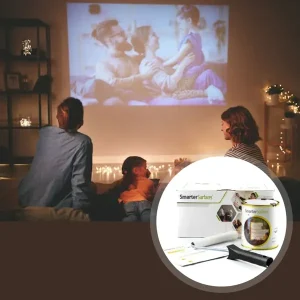
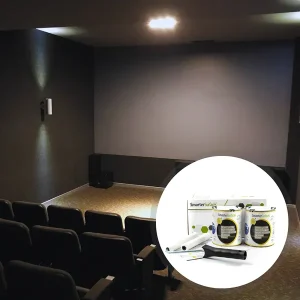
Why Choose Black Projector Screen Paint
Smarter Surfaces Black Paint for Projector Screen offers the best contrast levels available in settings with minimal to no ambient light.

Improved Image Contrast
Enhances contrast and provides superior reproduction of the image

Commercial Projection Quality
Ultimate high-contrast projection for dark, high-lumen rooms

Maximum Projection Performance
Tested for peak performance without hotspots

Simple Application and Smooth Finish
Simple application for subtle, clean, professional projection

Ultra Matt Layering Technology
Get enhanced pixel definition, image quality, and sharpness
Technical Specifications
Screen Size (Volume) / Coverage
4.5 m² (880ml): 279cm x 157cm at 16:9 Aspect Ratio
25 m² (5l): 667cm x 375cm at 16:9 Aspect Ratio
Odour: Very Low
VOC: Less than 0.13%
Product Color: Black
Product Finish: Matt
Performance
4K & 8K Ultra HD Ready
Gain Value @ 90°: 0.20
Viewing Angle: 140 degrees
What To Use With Black Projection Screen Paint
Projector Requirements: HD, 4K, and 8K Projector
Leading Projectors: Epson, BenQ, Sony, Panasonic, LG, and Optoma Projectors
Minimum Recommended Lumen Value: 2,500 Lumens
Lighting: Works in very dark rooms
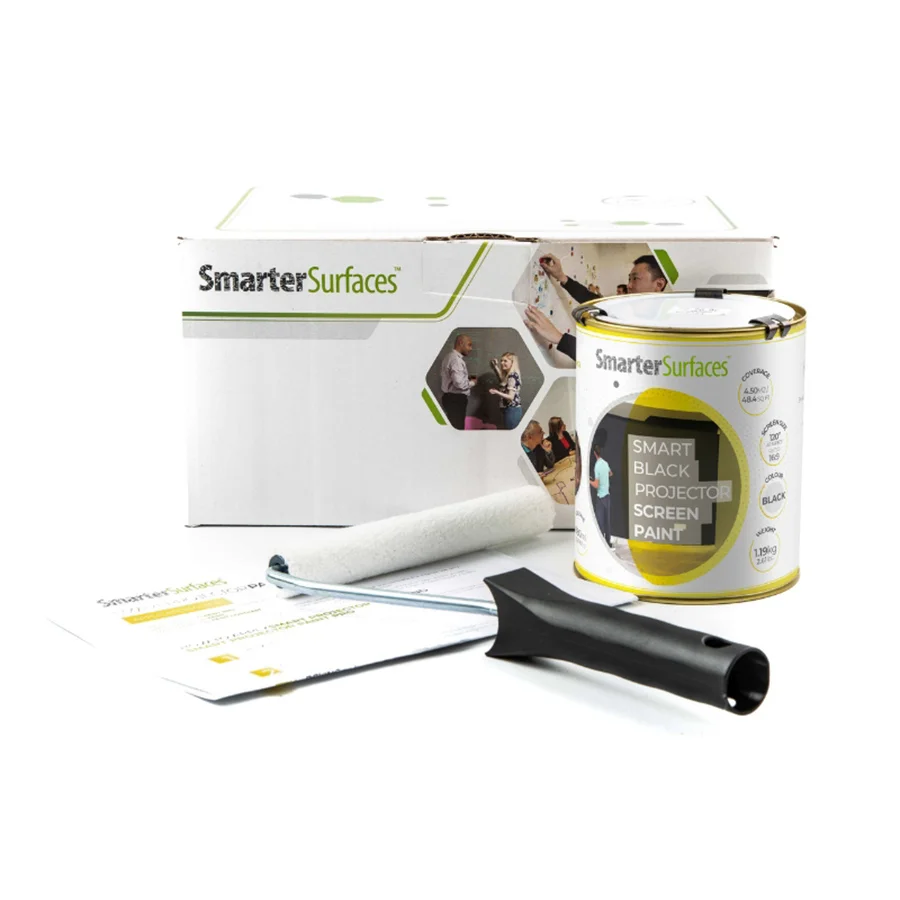
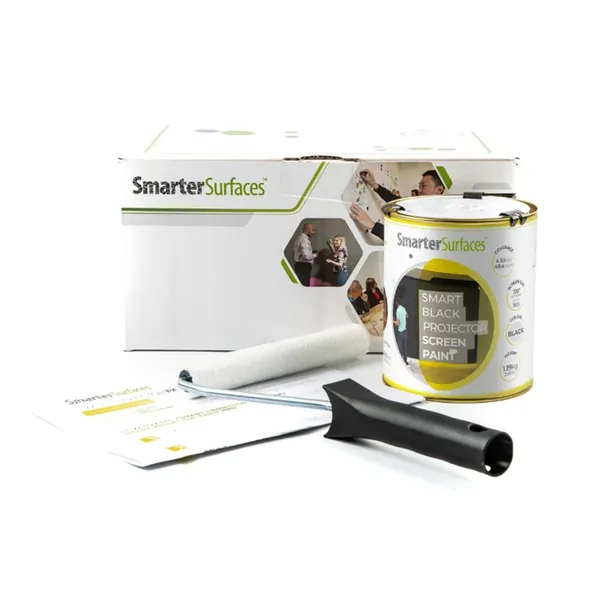
Kit Contents 4.5 m²
- Black Projector Screen Paint
- Roller Handle
- Roller Sleeve
- Stirring Stick
- Application Guide
Kit Contents 25 m²
- Black Projector Screen Paint
- Application Guide

Certification
Solvent free, PFOA & PFOS FREE, Isocyanates Free
Surface Quality
Gypsum Surface Finish Quality Standard of EU Level Q4
Performance
Independent Projection Performance Report - CREST

We work with a network of global courier services to offer you the best shipping options available. If you place your order before 12.30pm GMT on Monday to Friday, our warehouse will process your order the same day. Orders placed after 12.30pm GMT, will be processed on the next working day. Orders made on Saturday and Sunday are processed on Monday morning.
Estimated Delivery (Working Days):
AUS:
- Express: 2-3 days
- Free Shipping above $179: 5-6 days
For other locations, delivery times may vary. Click here
Use Cases

Home
- Home theatres
- Basement Cinema Rooms
- Garage Media Rooms
- Gaming Setup

Commercial
- Conference rooms and boardrooms
- Training centers
- Presentation halls
- Exhibition halls

Entertainment
- Cinemas and movie theaters
- Gaming lounges and arcades
- Sports bars and restaurants

Learning Spaces
- Auditoriums
- Training facilities
- Libraries
- Museums and galleries

Hospitality
- Recreational areas
- Private screening rooms
- Rooftop venues
Not sure if Black Projector Screen Paint is right for you?
Need help choosing the right product?
If you're looking for a high-quality projection solution but have questions about which projector paint best fits your needs, we offer dedicated support to guide you every step of the way.
How to Apply Black Projector Paint
A simple application process suitable for painting or refurbishing old screens, and to be used with fabrics and smooth surfaces.

Step 1 - Surface Prep
Clean, dry, and sand the area. Prime bare, untreated surfaces with White Primer

Step 2 - Apply Base Coat
Stir the paint before use. Apply 2 coats, allowing the first coat to dry

Step 3 - Second Coat
When the first coat is dry, apply the second coat and let it rest till it dries completely

Step 4 - Drying Time
Let the surface dry for at least 24 hours before use.
Watch Our Step-by-Step Video Application Guide
Suitable Surfaces
Wall Surface
Interior Wall
Wood & Composite Panels
Metal
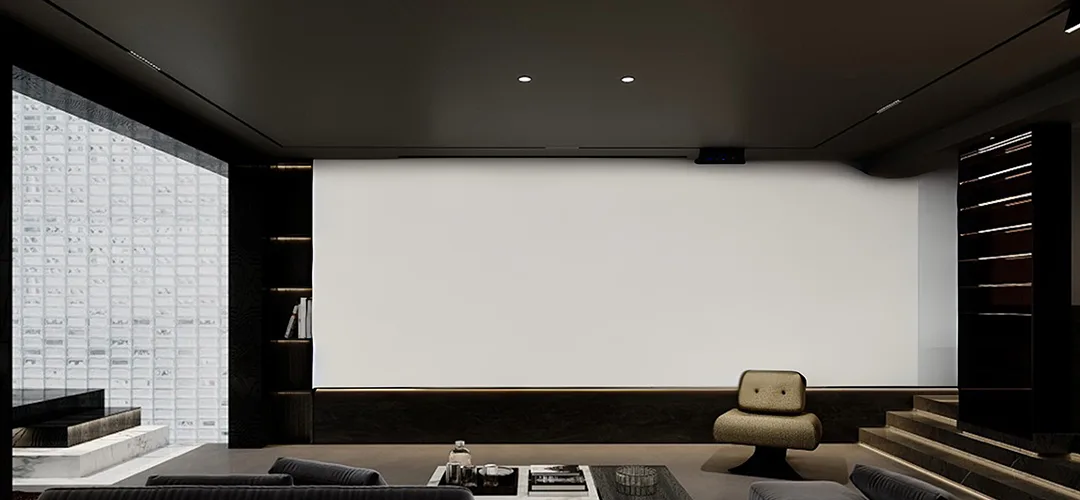
See the Transformation
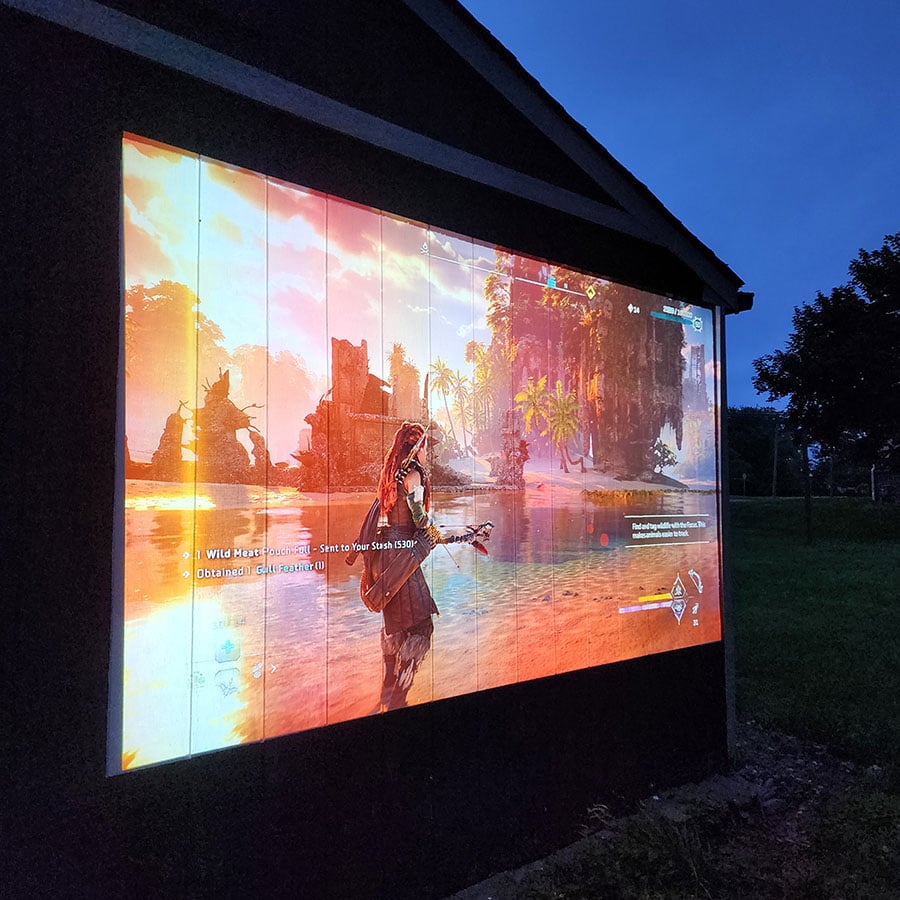
View real before-and-after examples of Black Projector Paint in use.
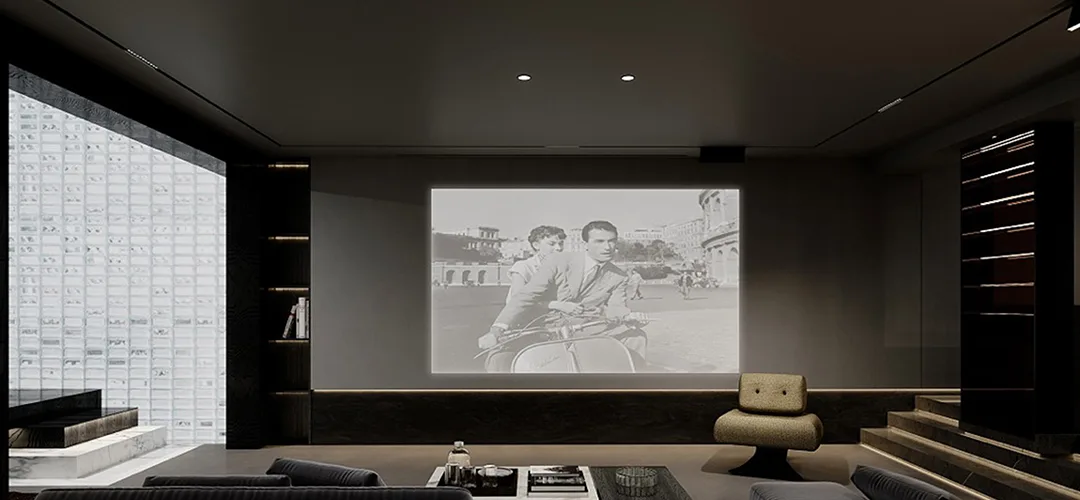
Customer Testimonials
Real experiences from customers who've transformed their spaces with our black paint for projector screen
Explore More Products From Smarter Surfaces

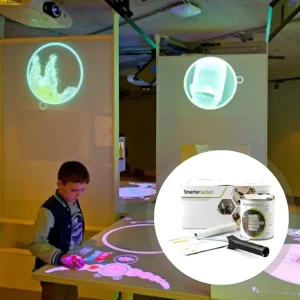
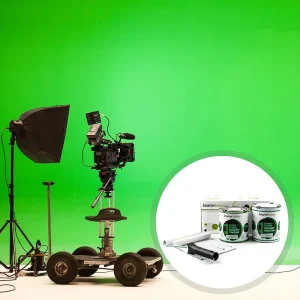
Case Studies
Real-world success stories showcasing transformative results across diverse industries.
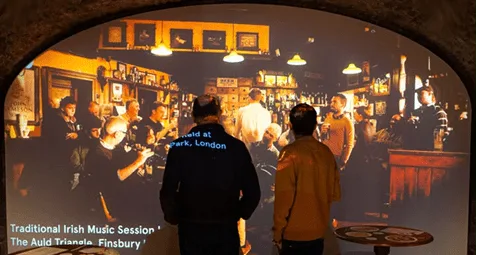
EPIC Museum: Transforming Heritage with Projection Mapping
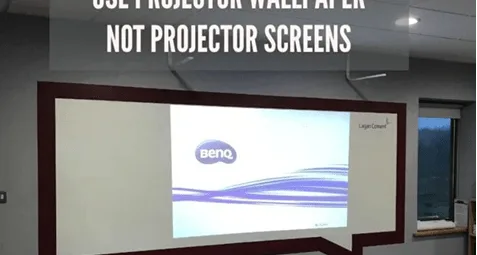
Use Projector Wallpaper Not Screens

SAP Transforms Walls Into Creative Spaces
FAQ's
General Product Questions
Why Are Our Projection Paints Acoustically Transparent?
An acoustically transparent paint allows sound waves to pass through without causing notable deviations in SAC values; preserving audio quality while the screen displays the projected image.
Smarter Surfaces projection paints are acoustically transparent because they're formulated to maintain the absorption characteristics of the base material.
Testing on 12mm gypsum board showed identical Sound Absorption Coefficient (SAC) values for both unpainted and painted surfaces, ranging from 0.04-0.07. This means the paint layer itself doesn't add any sound-blocking or sound-absorbing properties to the surface.
What type of projectors are appropriate for use with Projector Paints?
Projector Paints are compatible with most projectors that have a brightness of 2500 lumens or higher.
Application & Usage
How Should You Apply Black Projector Paint?
You can use either a roller or a spray method to apply any of our Projector Paints. Ensure all surfaces to be painted are clean, repair any imperfections with decorator filler, and sand the surface smooth once dry. Measure the area you intend to paint and accurately mark it with masking tape.
Is Black Projector Screen Paint safe for use?
Yes, Black Projector Screen Paint is entirely safe to use. It is low VOC, and free of solvents, PFOA, PFOS, and isocyanates.
Our product adheres to the highest environmental standards and has been certified for fire safety and VOC. We suggest wearing the gloves included in the kit during the application of Black Projector Paint. As with any paint, it is advisable to use gloves while applying it.
Surface Prep & Priming
What types of surfaces are compatible with Black Paint for Projector Screen?
Black Paint for Projector Screen can be used on plaster, wallboards, wood, metal, smooth concrete, and composite materials. It is intended for indoor applications only. For outdoor projection, please use our Outdoor Projection Paint.
Is it necessary to prime the surface before using Black Projection Screen Paint?
We advise applying Black Projection Screen Paint on surfaces that have been previously primed or painted. For bare, untreated surfaces, it is recommended to apply one coat of White Primer.
Cleaning & Maintenance
How can I maintain my Black Projection screen Surface?
You can clean your surface using a regular dry cloth or a slightly damp one.
Functionality & Performance
Does the Black Projector Screen Paint function effectively with blended projections?
In the realm of creating engaging and dynamic visual experiences, blended projections are a favoured method employed in a variety of settings such as art installations, theatres, and extensive presentations. To attain a seamless integration of multiple projections, selecting the appropriate projection screen is vital.
Smarter Surfaces Black projection screen paint serves as an optimal solution for merging several projections onto a single surface. With its advanced formulation, our black projector paint is specially engineered to support the blending process and produce exceptional results.
Does the Black Projector Paint Perform Effectively with Both 2D and 3D Projectors?
Every type of our paint is suitable for both 2D and 3D projectors, guaranteeing optimal functionality in any projection mode. When projecting a 3D image on our paint, it effectively conveys the desired effect, providing an immersive experience when used with 3D glasses.
What does it mean for Black Projector Screen Paint to be ‘Polarity Preserving’?
3D projectors function by projecting two slightly different images that overlap on the screen. These images undergo special optical filtering, which polarizes the light in varying ways for each projection. When viewing the two images through specific 3D glasses, one lens blocks one image while the other lens permits the opposite, allowing each eye to perceive a different image. Therefore, the projection screen must maintain the light's polarity when utilizing a 3D projector. All our paint products are classified as "polarity preserving," ensuring the image you perceive retains the intended polarity, which maintains the full 3D effect.
Safety & Environmental
Does Black Screen Paint contain isocyanates?
No, the best Black Projector Screen Paint is completely free from isocyanates. Unlike lower-quality alternatives, we do not incorporate isocyanates in our Black Screen Paint or any of our other products, as it is a hazardous material that should only be handled by trained professionals under strict safety protocols.
What protective gear should be worn during painting?
It is important to utilise the gloves provided in the kit while applying Black Projector Screen Paint. Additionally, wearing safety glasses is recommended. As with any painting procedure, ensure adequate ventilation in the workspace.
Is Black Projector Paint flammable or not?
No, Black Projector Paint is non-flammable and has been certified for fire safety, making it suitable for use in schools and offices. It has a flashpoint exceeding 158 degrees Fahrenheit.
Can Black Paint for Projector Screen be applied in the presence of people?
Yes, it is entirely safe to apply Black Projector Paint around adults and children, as it is certified as VOC-free and has a low odour. The absence of isocyanates makes it extremely safe for use around individuals.
Featured Blog Content
Expert insights and creative inspiration for your ultimate projection setup.